TuJu app
Free on Google Play and the App Store, with a practical guide to traffic, tolls, and cameras.
Service note, 22 October 2026
The Malaysian Highway Authority said TuJu was unstable after a surge in downloads. If the app fails to load, update it and try again later. Road signs still beat a frozen map. Outage steps
A drive, written out
The night before a long highway run
Set the destination in TuJu while you are still at home. Read the distance and the ETA as a floor, especially on a Friday or a balik kampung weekend, when a calm map is the thing not to trust. Check the toll figure against the wallet or card that will actually be charged. TuJu does not take the money. Touch 'n Go, RFID, SmartTAG and the separate JustGO app do. Then pick a rest stop and a backup, and update the app before morning.
Festive travelHow the toll is paid
North-South, then the east coast
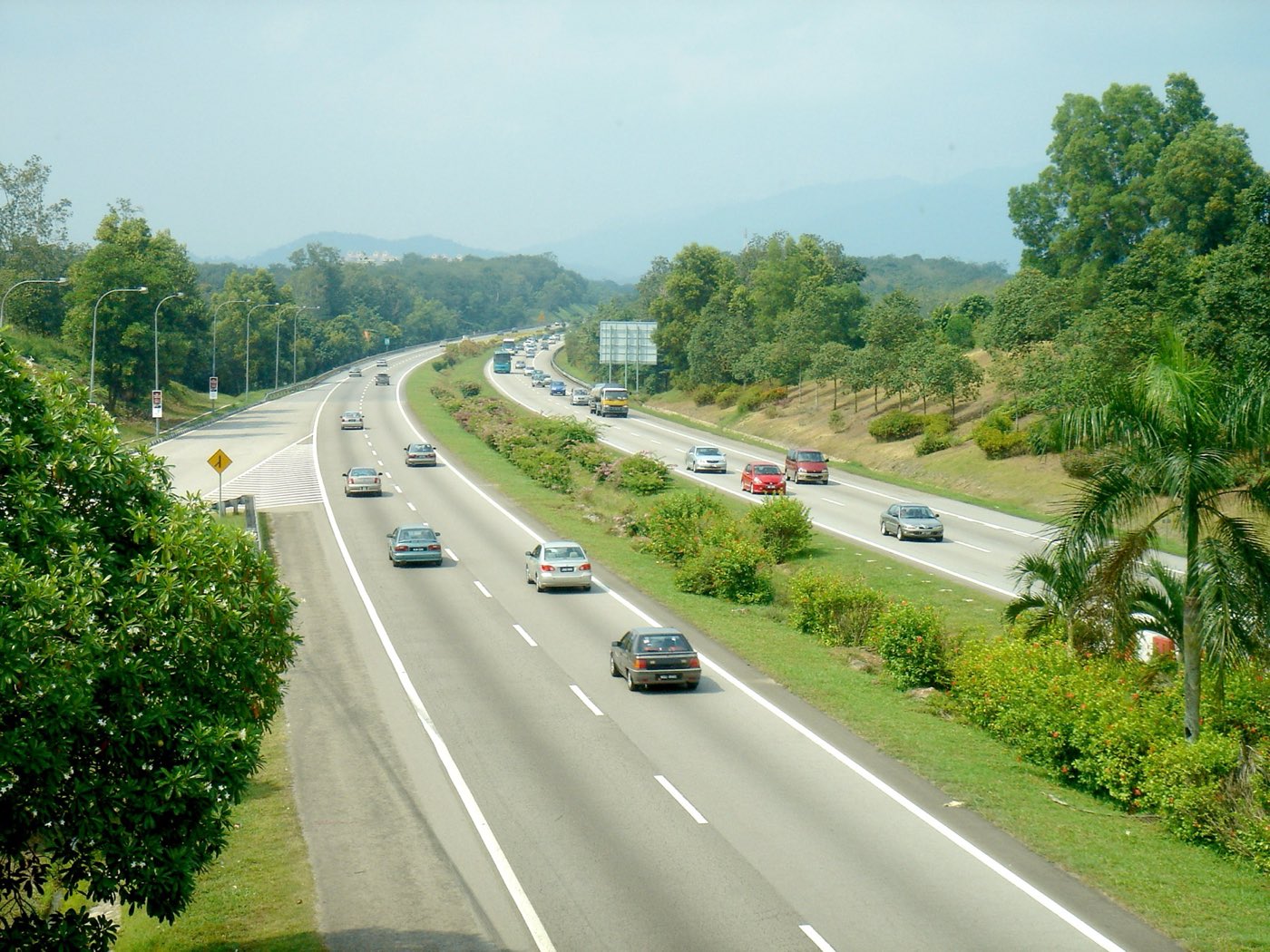
The North-South Expressway is 823 km of PLUS road, and the place TuJu was launched, at the southbound Seremban rest area. PLUSLine is 1-800-88-0000. The east coast is three different roads: KL-Karak and LPT1 on ANIH's 1-700-818-700 line, and LPT2 on 1-800-88-0220. Open the route you will drive and see if the line follows the carriageway. A camera, if the app has one on that stretch, is for before you join the queue.
North-South ExpresswayEast Coast highways
Klang Valley stacks
Around Kuala Lumpur the ramps sit on top of each other. On 22 October 2026 a public test heard TuJu say "keep straight" when the exit needed the far left lane, and saw routes drawn as a straight line. Follow the gantry. If you miss the exit, take the next legal one and replan when the car is stopped. There was no Android Auto or CarPlay in that test, so the phone stays in a mount, not in your hand.
Read before you drive
Get the app
Install paths, the APK question, sign-in, and version 2.0.
- Download the TuJu app
Official Play Store and App Store links, with the version split between Android and iPhone.
- TuJu app APK
How to install Android TuJu without a sideloaded APK from a random site.
- TuJu app login
Google, Apple, or email sign-in, and what to do when the login screen loops.
- What is in TuJu 2.0
Android 2.0 features, the iPhone delay, and the toll-payment idea that is not live.
- Update TuJu and set location
Store updates, While Using versus Always, and what to do when an old build keeps the bugs.
On the highway
How to drive with it, the North-South and east coast, tolls, cameras, and help numbers.
- How to use the TuJu app
A practical order of operations from install to the moment you are moving.
- TuJu app features
The feature list from the launch, the product site, and the 2.0 briefing.
- TuJu real-time traffic
Where the traffic picture comes from, and how to read a map that might be stale.
- TuJu live CCTV
What the cameras can and cannot tell you before you join a queue.
- Tolls, R&R, fuel, and EV chargers
Toll estimates, rest areas, fuel, food, and chargers, with the payment limit stated plainly.
- Highways, hotlines, and where TuJu fits
A partial hotline list for major peninsular highways, checked against LLM's directory.
- TuJu app in Malaysia
Who it is for, where it launched, and the other products that share a word with it.
- Emergency help in TuJu
999 first, then the concessionaire SOS, with the public numbers beside them.
- TuJu and MyJalan
What the MyJalan link is for, and which problems belong on 999 instead.
- TuJu on the North-South Expressway
PLUS North-South: what TuJu can show, the 1-800-88-0000 line, and the toll systems that are not inside the app.
- TuJu in the Klang Valley
Stacked ramps, vague 'keep straight' prompts, and how to drive that stretch without staring at the phone.
- TuJu on the East Coast highways
KL-Karak, LPT1 and LPT2: distances, hotlines, and what to confirm in the app before you leave the city.
- How you actually pay the toll
The difference between a TuJu toll estimate and Touch 'n Go, RFID, SmartTAG and JustGO.
- Festive travel with TuJu
Leave earlier, pick the rest stop before the queue, and keep a plan that works if TuJu is down.
Before you rely on it
The public review, the Waze question, safety, and data.
- TuJu app review
What the app is good at, what public tests found broken, and a cautious verdict.
- TuJu and Waze
A factual comparison, including the civil-service rule and the gaps testers found.
- Android Auto and Apple CarPlay
No car-screen support in the October 2026 test, and a safer phone setup until that changes.
- Safety notes for TuJu
Driving rules that matter more than any screen, written for this app's known gaps.
- When the TuJu app will not work
Outage, login loops, garbage instructions, and the official feedback address.
- Location and data in TuJu
The authority's claim, the store disclosures, and the switches on your phone.
- TuJu app questions
Short answers, each one standing on a public source rather than a guess.

Plan the stop before the queue does
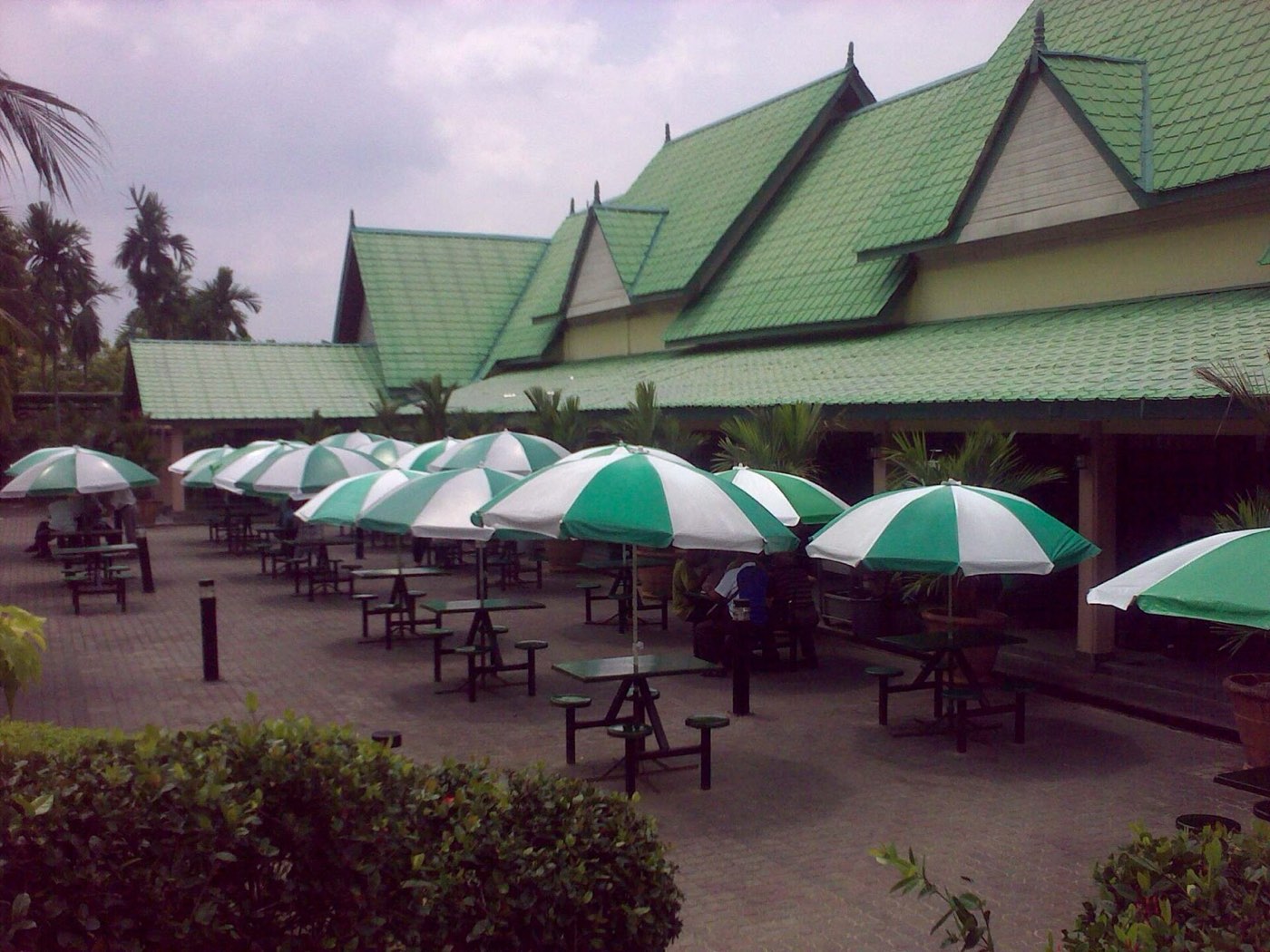
TuJu is built around the highway itself: a toll figure, a camera at a selected point, a rest area, fuel, and on Android 2.0 an EV charger. Pick the stop while you are still moving freely, not when the lane has already stopped.
What it does not do yet
Public testing on 22 October 2026 found vague turn-by-turn prompts, no lane guidance, and no Android Auto or Apple CarPlay. Store scores sat near 2.5 out of 5. Use TuJu for the highway desk. If a spoken instruction and the gantry disagree, follow the gantry.